Categories
Motion & video for learning & marketing

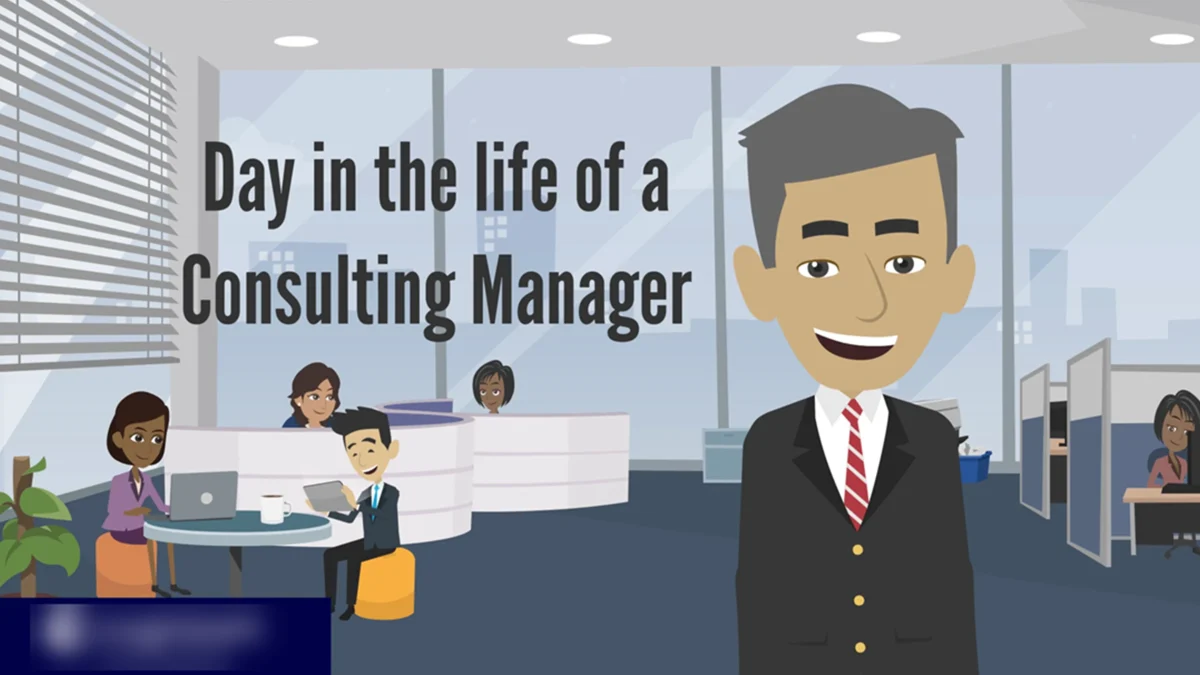
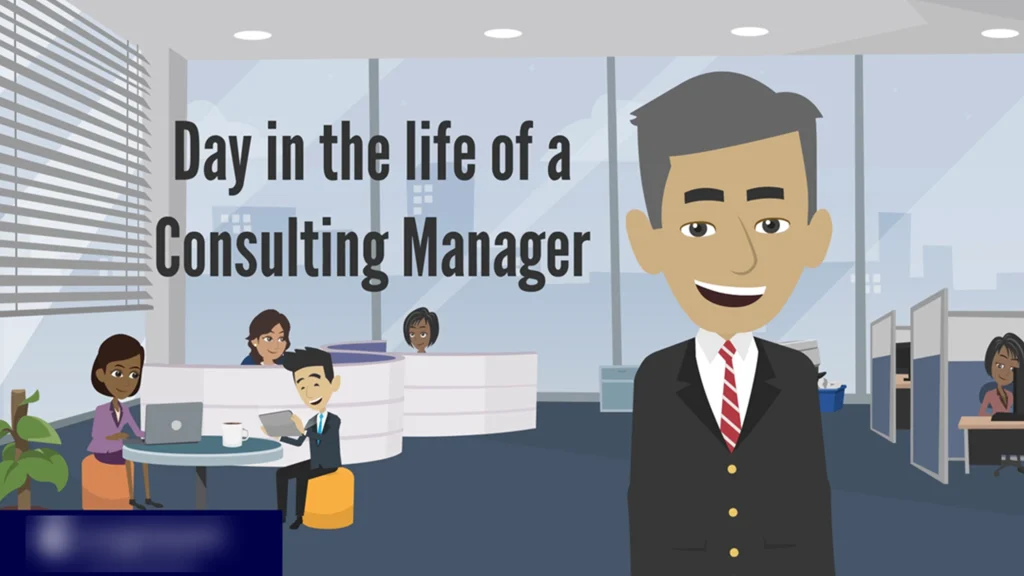
Manager Training Video | Animated Internal Leadership Module

Printer Setup Tutorial – Step-by-Step Motion Guide

Overview

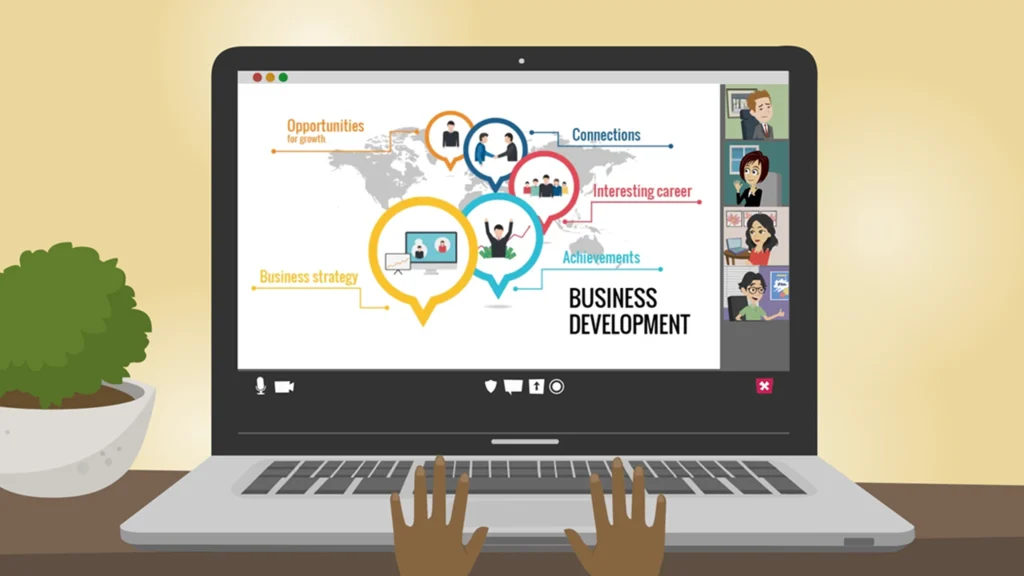
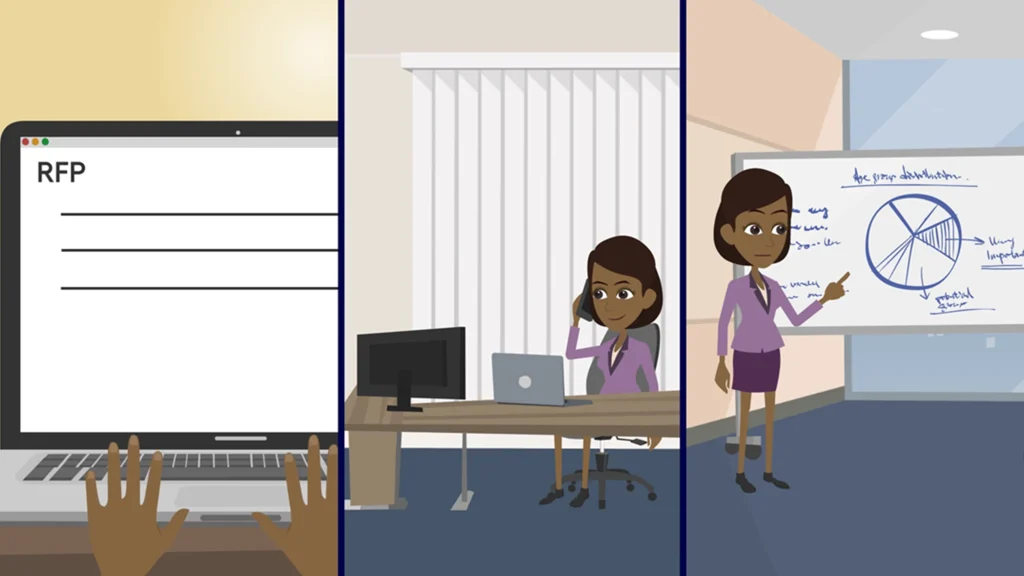
A dynamic and professional manager training video created in Vyond to support internal leadership development. Using AI voiceovers, character-driven scenarios, and sharp visuals, this shortform module helps new and aspiring managers quickly grasp leadership essentials like time management and team collaboration.

The Challenge

The client requested a resource-friendly, engaging video to help employees prepare for leadership roles. There were tight constraints on time and budget, so we leaned into rapid tools like Vyond and WellSaid Labs to create something that felt professional and insightful.

Developed realistic animated scenarios to illustrate core leadership challenges.

Sourced and synced AI voiceovers to maintain clarity and tone.

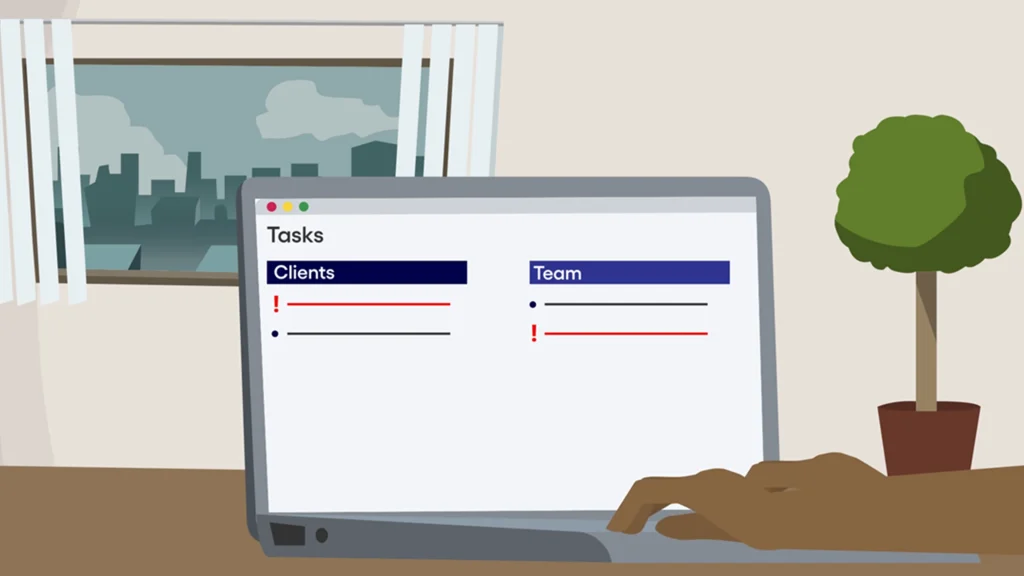
Built infographics and simplified visual structures to communicate ideas fast.

The Build

  • Vyond Animation

    Crafted fully animated sequences for relatability and flow.

  • AI Voiceover

    Used WellSaid Labs to narrate clearly and consistently.

  • Illustration & Layout

    Created custom visuals and charts in Adobe Illustrator.

  • Script Integration

    Highlighted time management, collaboration, and mentoring themes.

  • Narrative Flow

    Wrote and structured scenes to maintain viewer attention while reinforcing learning outcomes.

What Happened

The client praised the video’s professional polish and learning impact. Employees found it easy to follow and directly applicable to their roles. The mix of animation and AI voice gave it a modern, engaging tone and it became a staple in their internal leadership track.

Tools Used

Looking for Personalized Demo?

Let’s Talk About UI-less Experiences

Categories
Motion & video for learning & marketing

MyChart Healthcare Explainer – Motion Graphics Videos for Hospitals

MyChart Explainer Videos – Motion Graphics for Healthcare

Overview

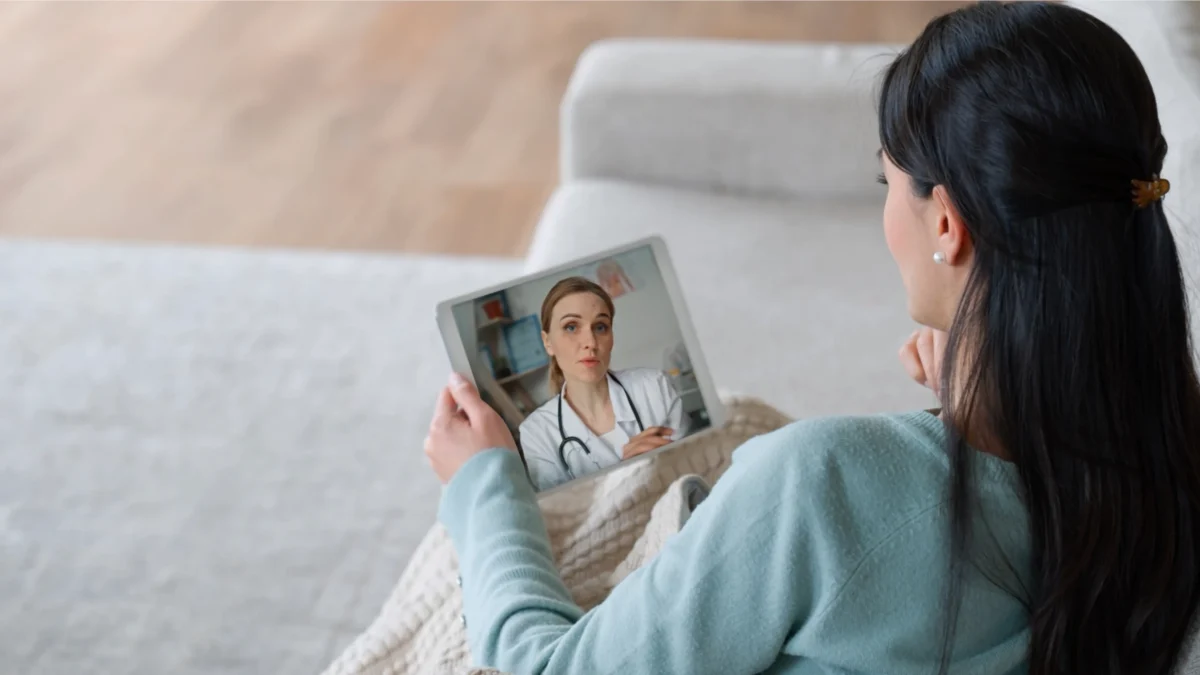
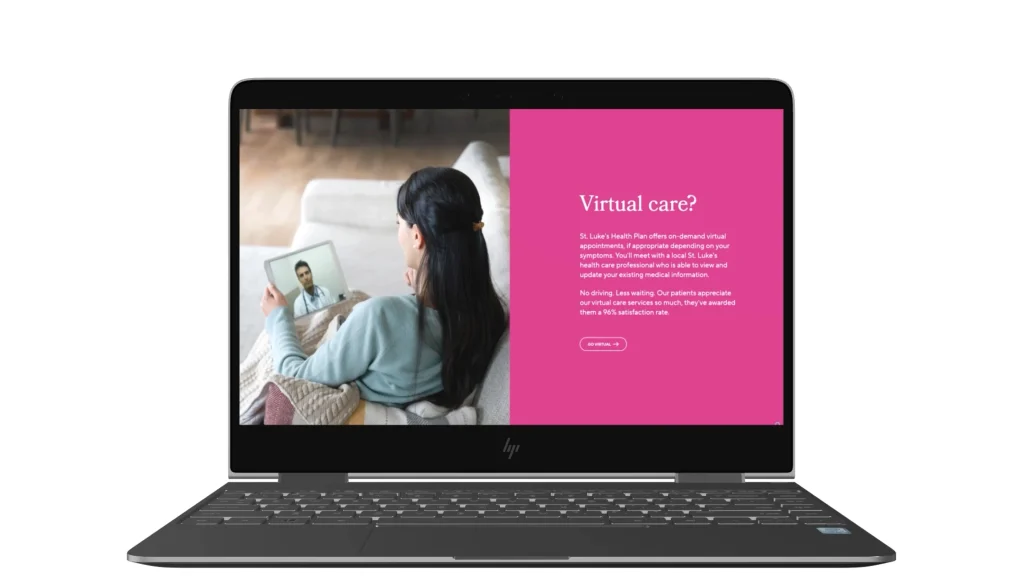
St. Luke’s Health Plan needed a trio of short, engaging explainer videos to guide patients through their MyChart app and coverage benefits. With minimal visual references provided, I built a full visual system using their website assets—balancing clarity, tone, and pacing within a 3-day turnaround.

The Challenge

The agency’s brief was light on references, but the videos needed to feel polished, branded, and user-friendly. I had to:

  • Extract visual identity cues from their website and brand guide.
  • Design clean visuals and 3D iconography from scratch.
  • Set the right mood with music, transitions, and pacing.
  • Complete the entire design, animation, and delivery cycle under tight deadlines.

The Build

  • Storyboard Interpretation

    Translated the loose storyboard into a cohesive visual flow.

  • Motion Design

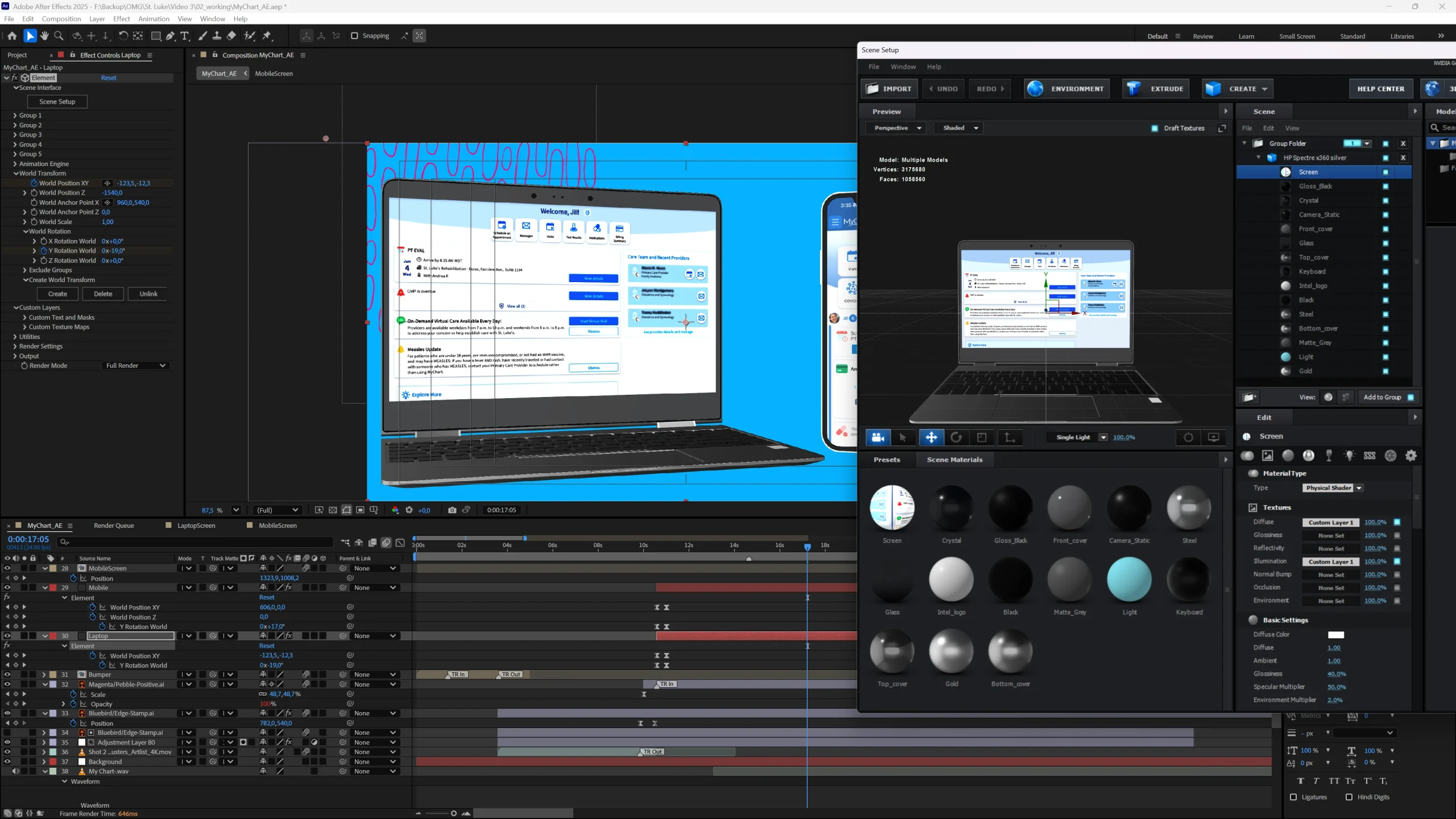
    Created motion graphics and transitions using After Effects and Premiere Pro.

  • Asset Creation

    Built branded 3D and flat design elements from scratch in Illustrator and Photoshop.

  • Audio + Music

    Chose a music track that matched tone and timing. Used AI voice for internal reviews.

  • Versioning

    Delivered three unique yet stylistically unified videos.

What Happened

The final videos were approved on first review. Both the agency and client praised the professionalism, branded feel, and clear visual storytelling—despite the speed of production.

Tools Used

Looking for Personalized Demo?

Let’s Talk About UI-less Experiences

Categories
Motion & video for learning & marketing

Printer Setup Tutorial – Motion & Video

Printer Setup Tutorial – Step-by-Step Motion Guide

Overview

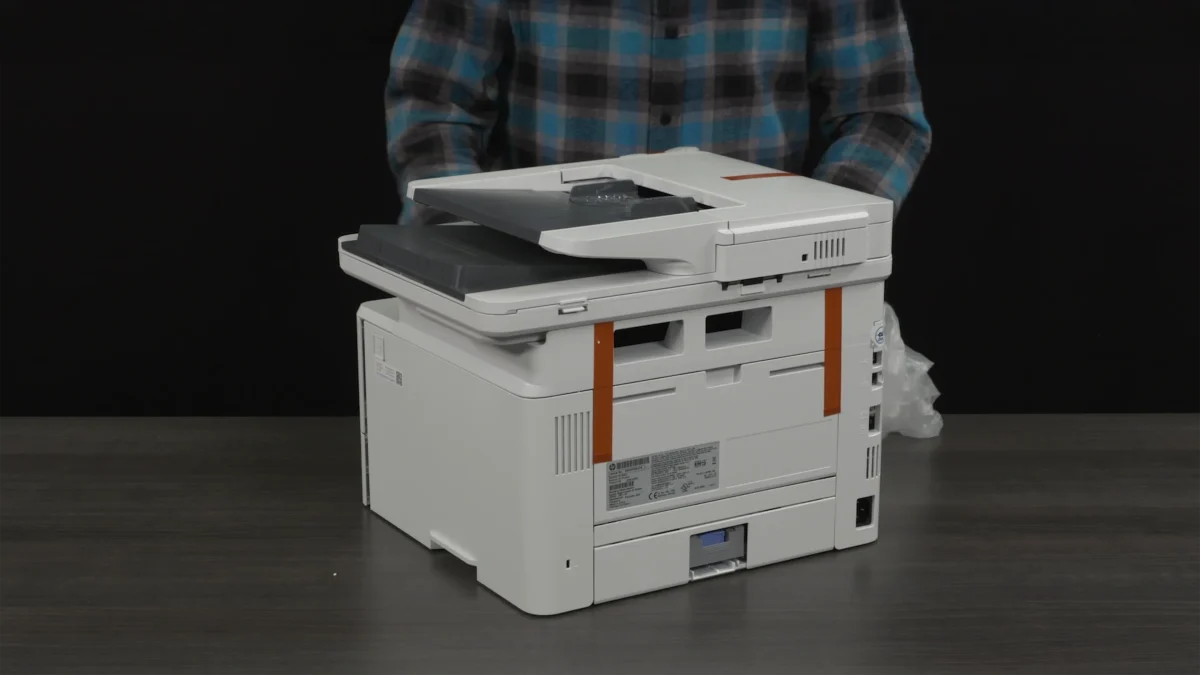
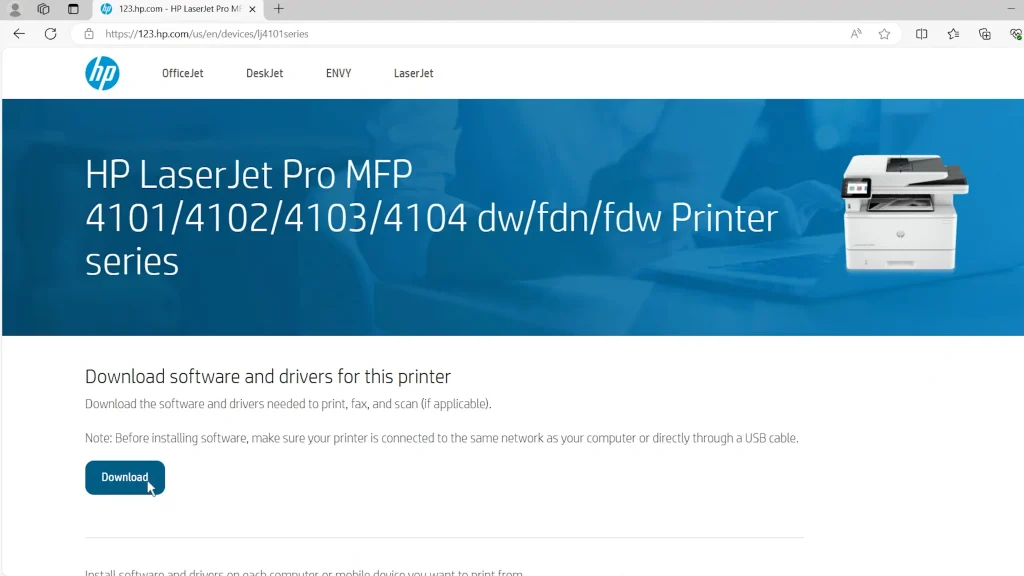
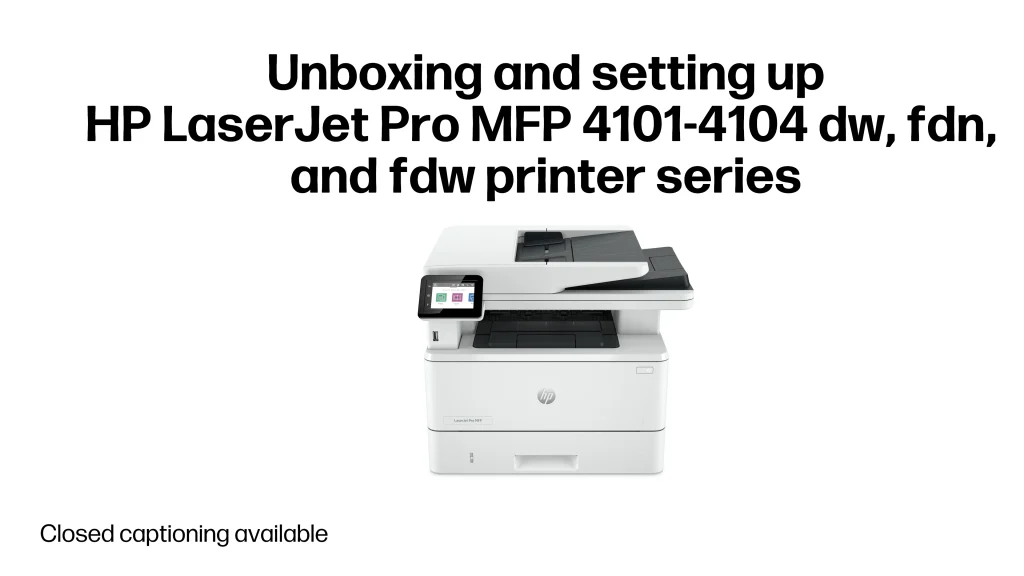
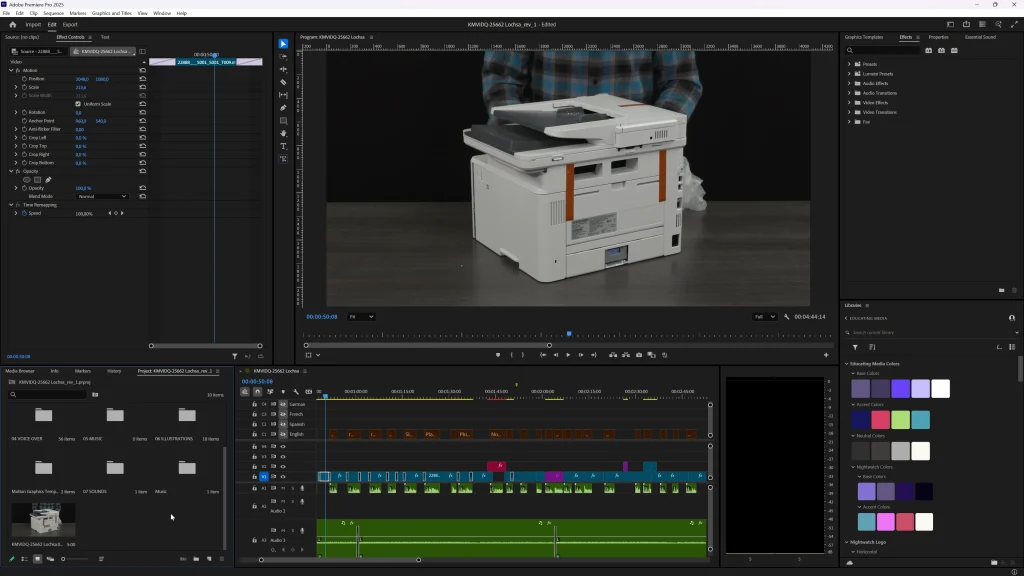
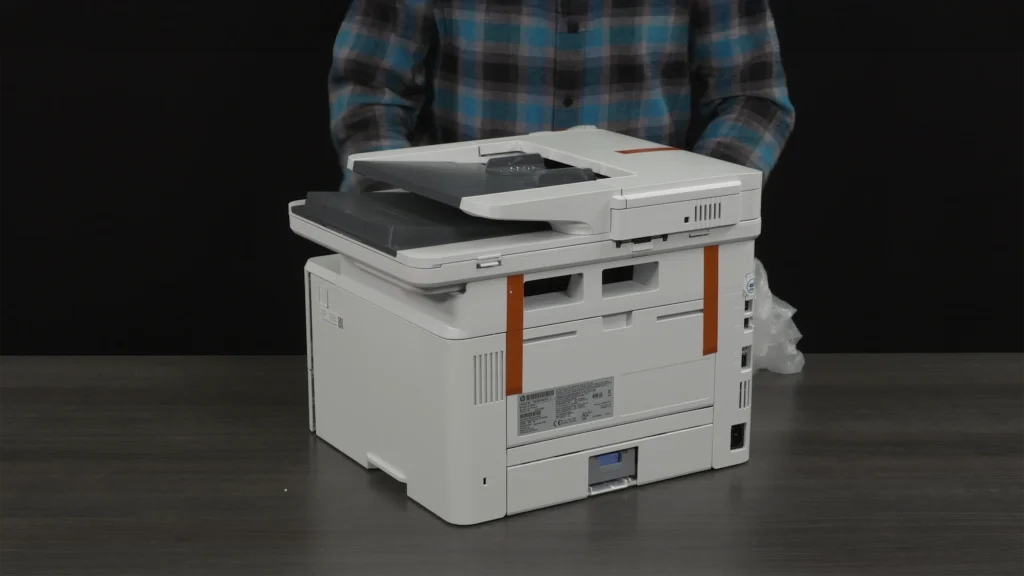
Created for HP, this printer setup tutorial video was created to help users seamlessly unbox, configure, and start using their new printer with confidence. Combining clear instructions with engaging visuals, the video caters to all skill levels and minimizes the need for technical support.

The Challenge

A customer-facing video guide designed to walk users step-by-step through setting up a new printer.

The Build

  • 4K Quality

    Captured and delivered crisp, high-resolution visuals to enhance the user experience.

  • Raw Footage Editing

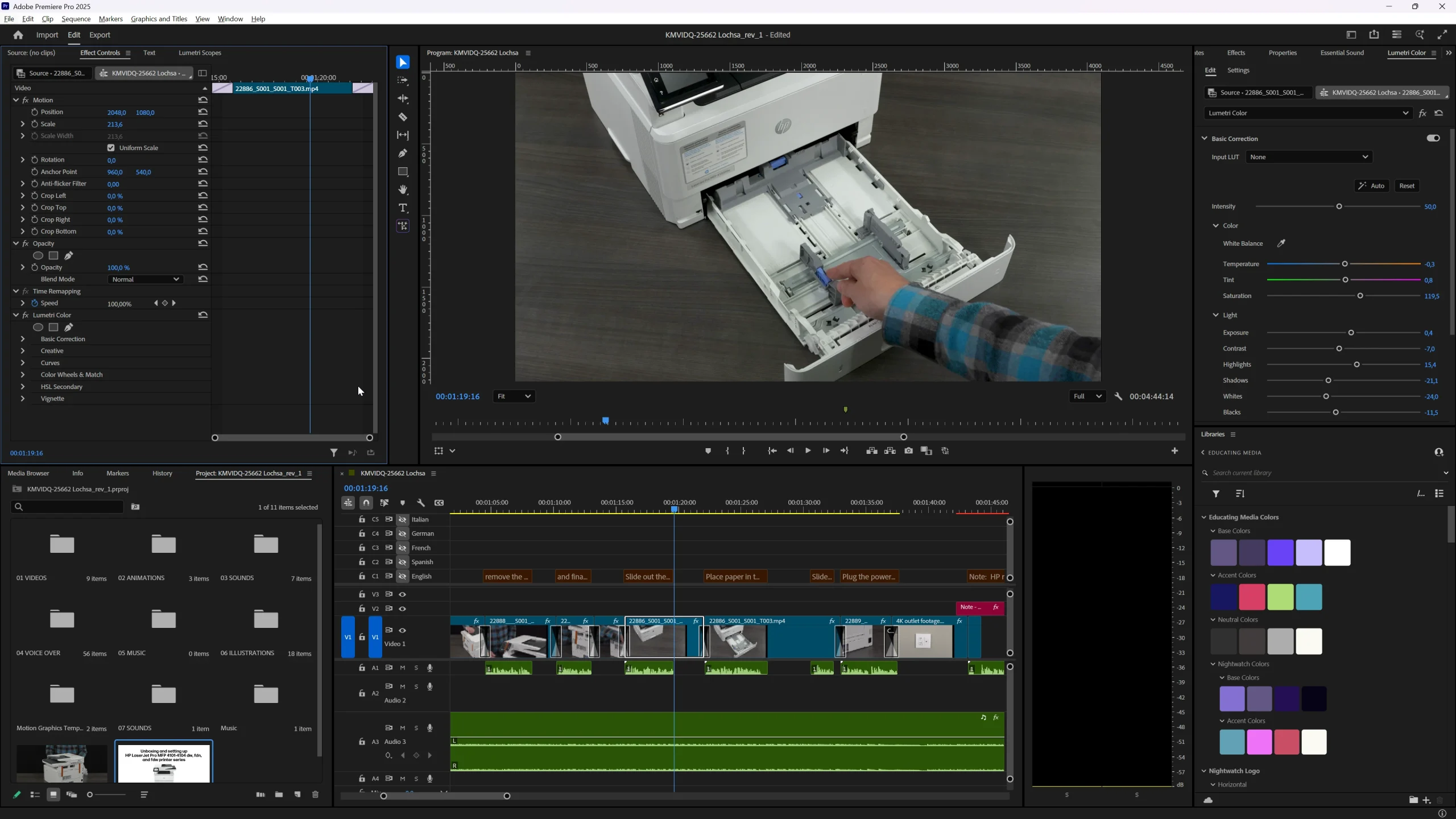
    Meticulously edited raw video footage to ensure a smooth flow and engaging pace.

  • Color Correction

    Applied professional color grading to maintain a clean and polished look.

  • Thumbnail Creation

    Designed an eye-catching thumbnail to attract users and boost engagement.

  • Closed Captions (CC)

    Added accurate captions to improve accessibility for a wider audience.

  • Archival Preparation

    Organized and archived the final project for easy future updates and edits.

What Happened

12,000+ views and a noticeable drop in user setup complaints. Delivered under tight deadlines with full brand alignment.

Tools Used

Looking for Personalized Demo?

Let’s Talk About UI-less Experiences

Let's Discuss!

Got a question? Let’s talk!

We typically respond within 12 hours.